The universal coordination tool for your circle. Track infants, elderly relatives, pets, plants, and additional care needs. Launch instantly in your web browser, install as a Progressive Web App (PWA) on iOS or Android, or stay synced from your smartwatch.
One circle synchronized across every screen:
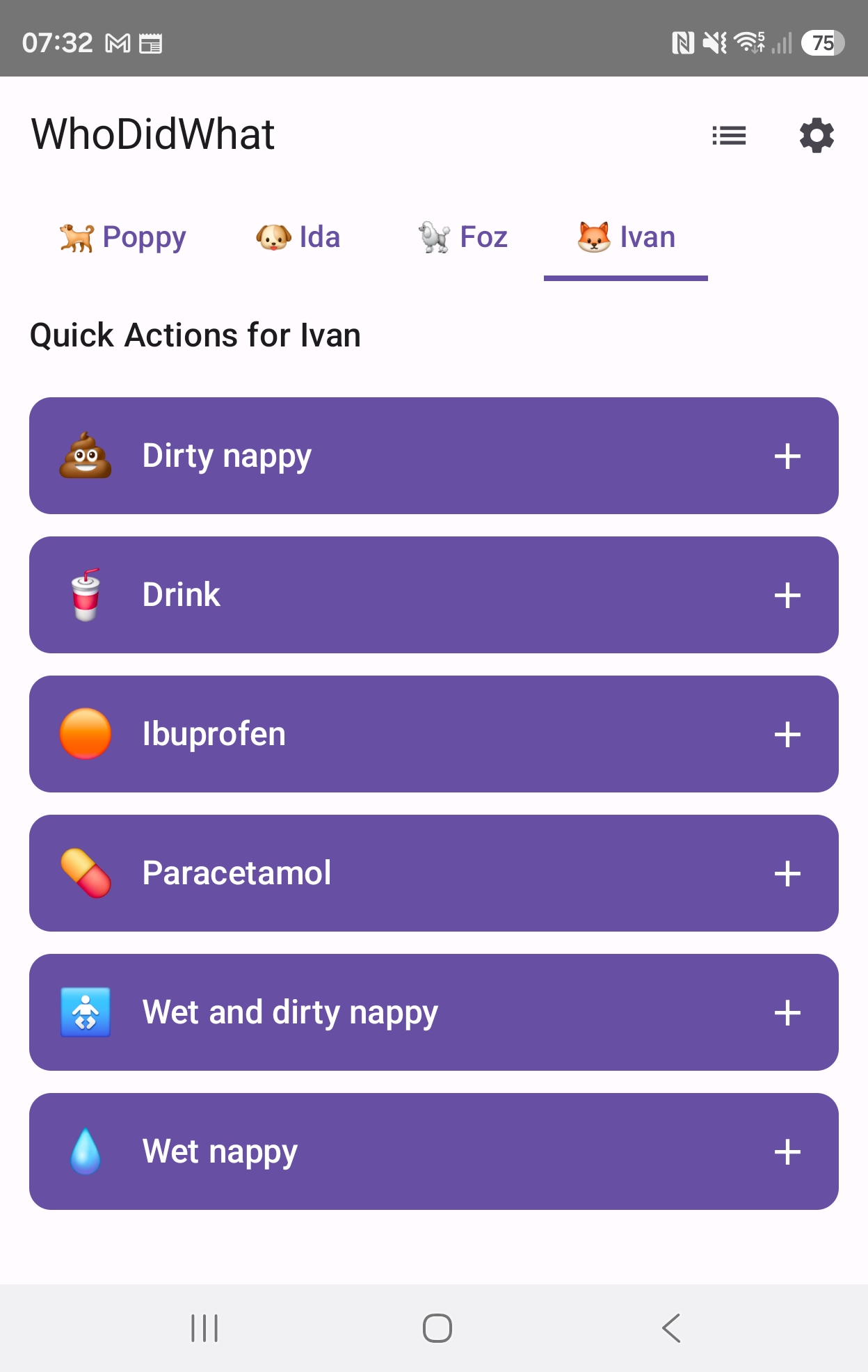
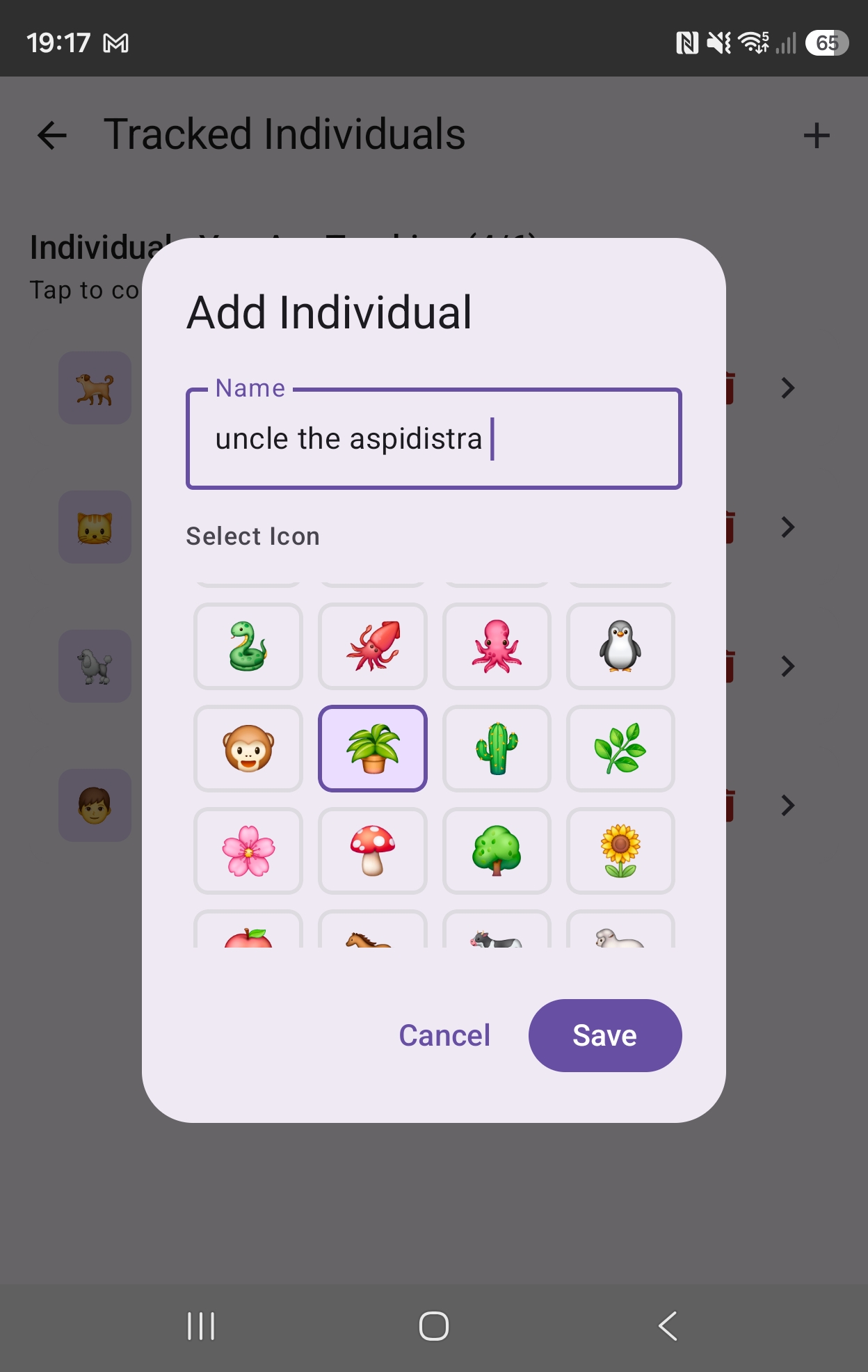
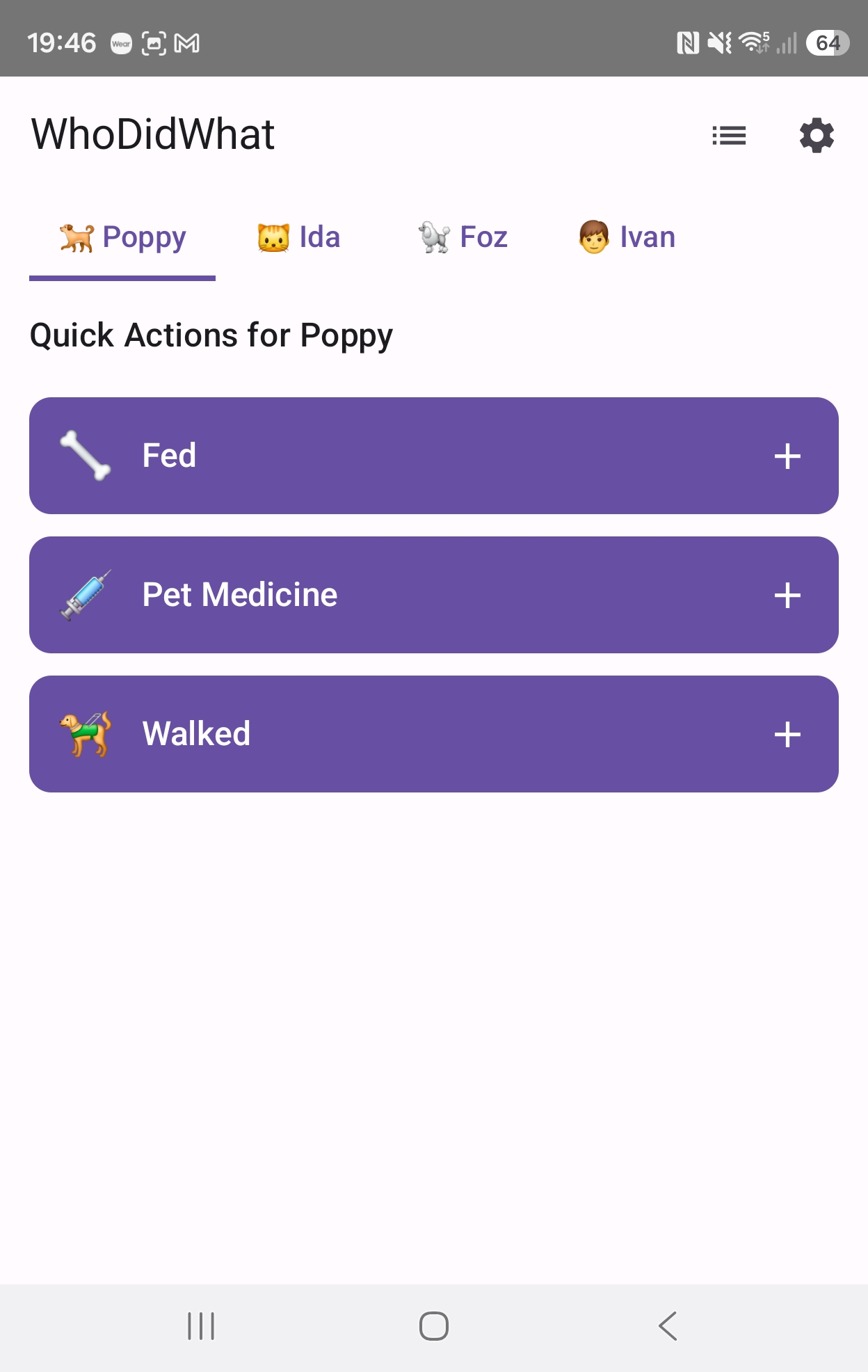
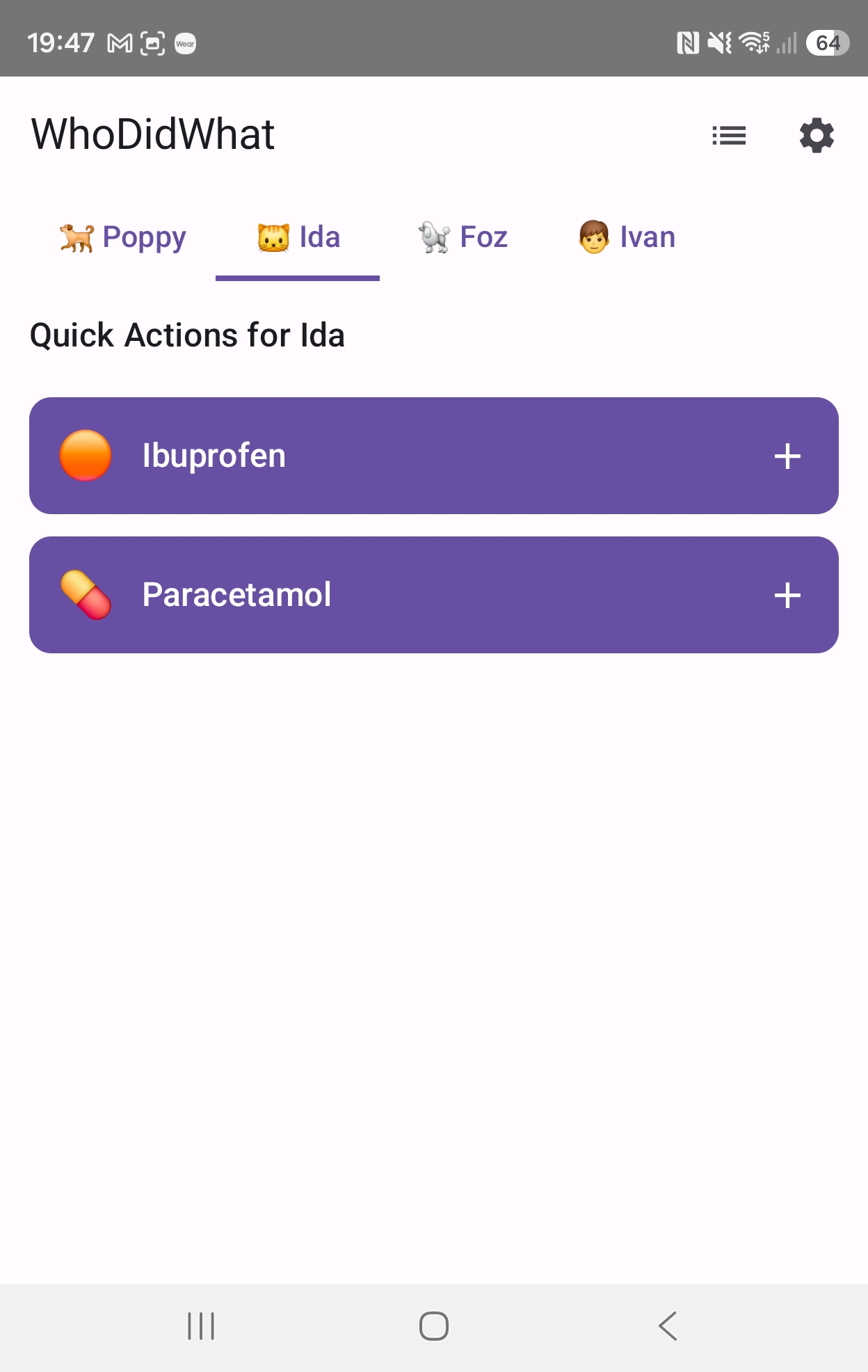
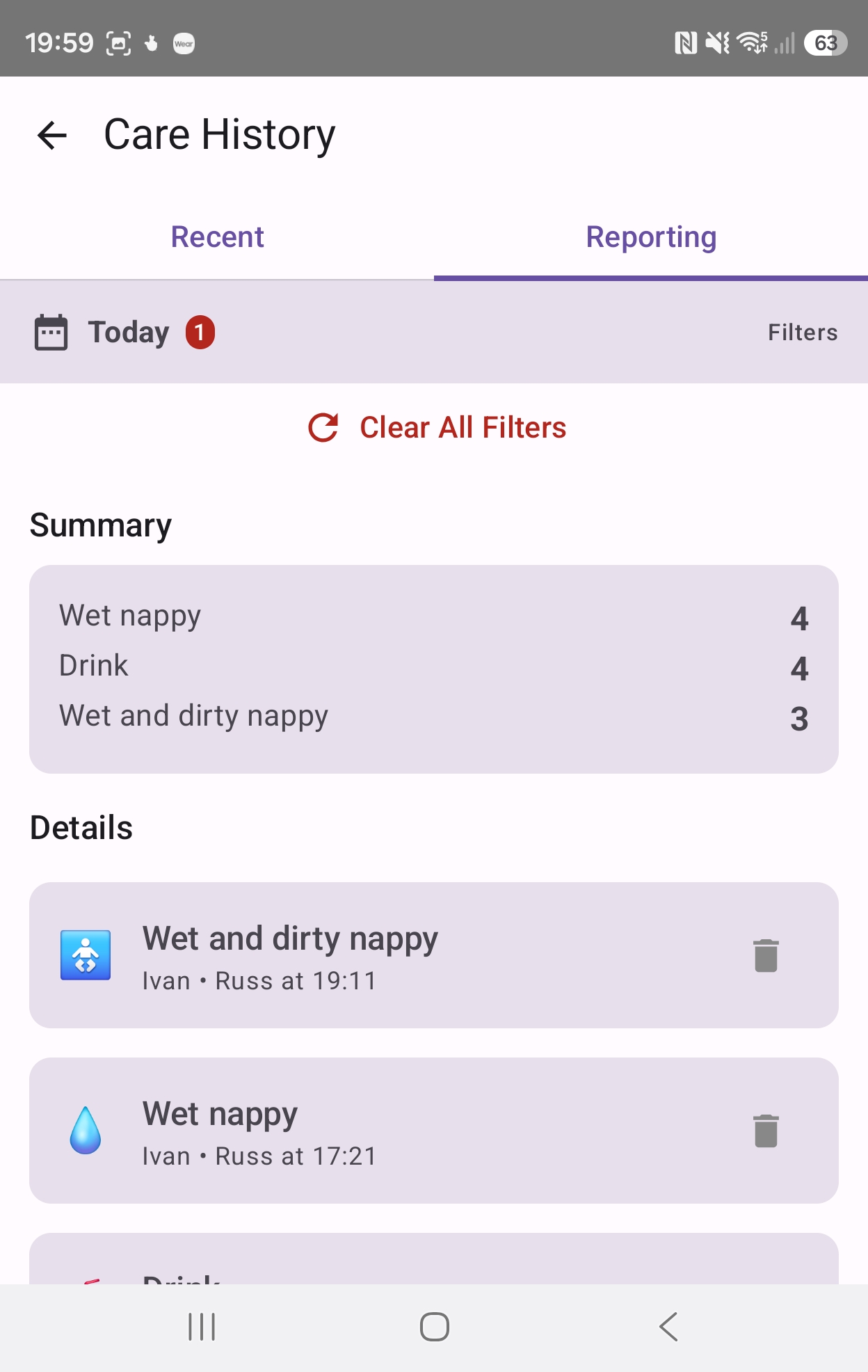
Care networks shouldn't be fragmented because family members use different phones or operating systems. WhoDidWhat brings your entire circle onto a single real-time foundation with zero platform lock-in.
Open instantly on laptops, desktops, or tablets via Chrome, Safari, Edge, or Firefox. Complete widescreen dashboard, timeline filters, reporting, and settings.
Pin directly to your iPhone, iPad, or Android home screen. Runs in standalone mode without browser bars, offers offline actions, and receives instant web push alerts.
Crafted in Kotlin with Material 3 design, deep notification channel actions, background sync, and instant haptic responsiveness on phone hardware.
Never miss a beat while holding a baby or walking the dog. Glance at the latest care log, like activities, and reply to care chats directly from your wrist.
Why force grandparents, babysitters, or friends to wrestle with App Store passwords or wait for 100MB downloads? WhoDidWhat installs directly from your browser with a single tap.
Start coordinating immediately. Send a link, open in Safari or Chrome, and start recording care actions in 10 seconds.
Feels and functions just like a native app. Launches with its own icon on your home screen without URL bars or browser controls.
Receive instant notifications on mobile and desktop whenever someone finishes a feed, gives medication, or replies in chat.
Poor signal in the hospital or nursery? Built-in Service Workers cache critical data so you can log events without interruption.
Takes less than 5 seconds
1-click browser install
Launch the web app directly to create your circle or enter an invitation code from your partner, family, or care team.
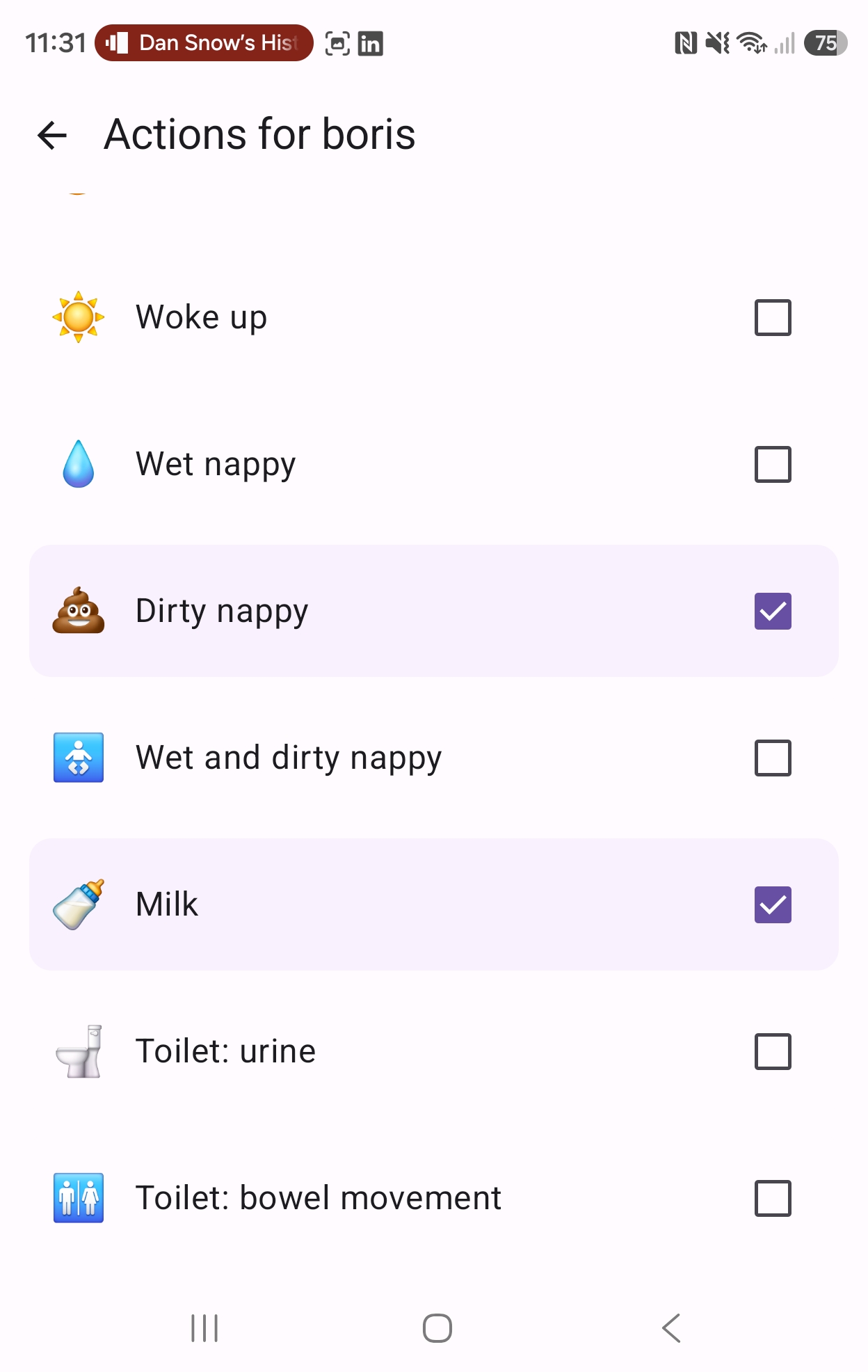
Coordinate feedings, nappy changes, and sleep cycles with partners and sitters. Maintain a perfect record of the day.
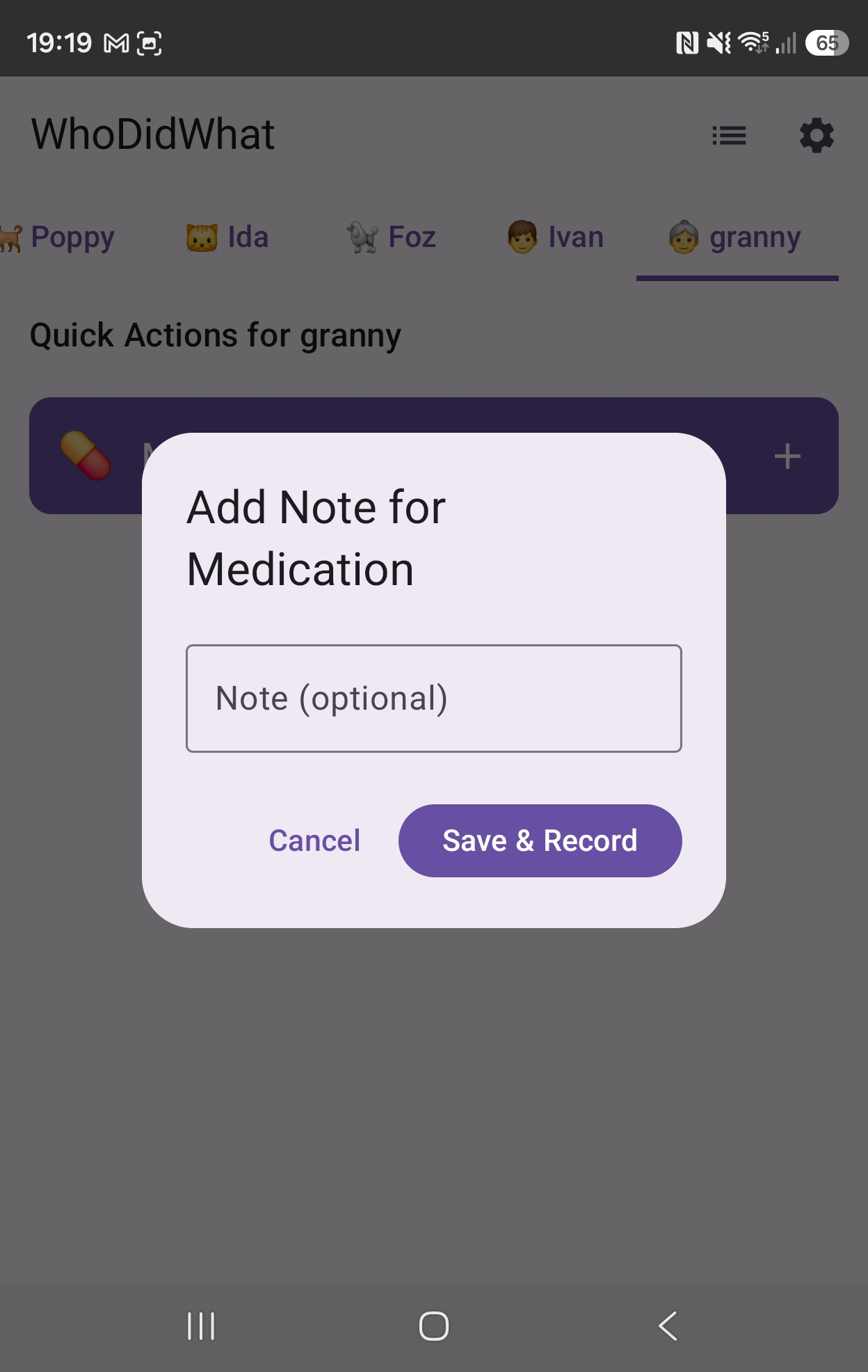
Keep track of medication schedules and wellness checks. Ensure consistency across multiple family members or professional carers.
Tailor tracking for neurodiversity, therapies, or disabilities. Designed to adapt to the unique care requirements of your circle.
Log walks and meals for your dog, or watering schedules for your collection. If it needs care, WhoDidWhat can track it.
Invite family, friends, or other carers. Everyone stays updated instantly via real-time sync, shared chat, and smart notifications.
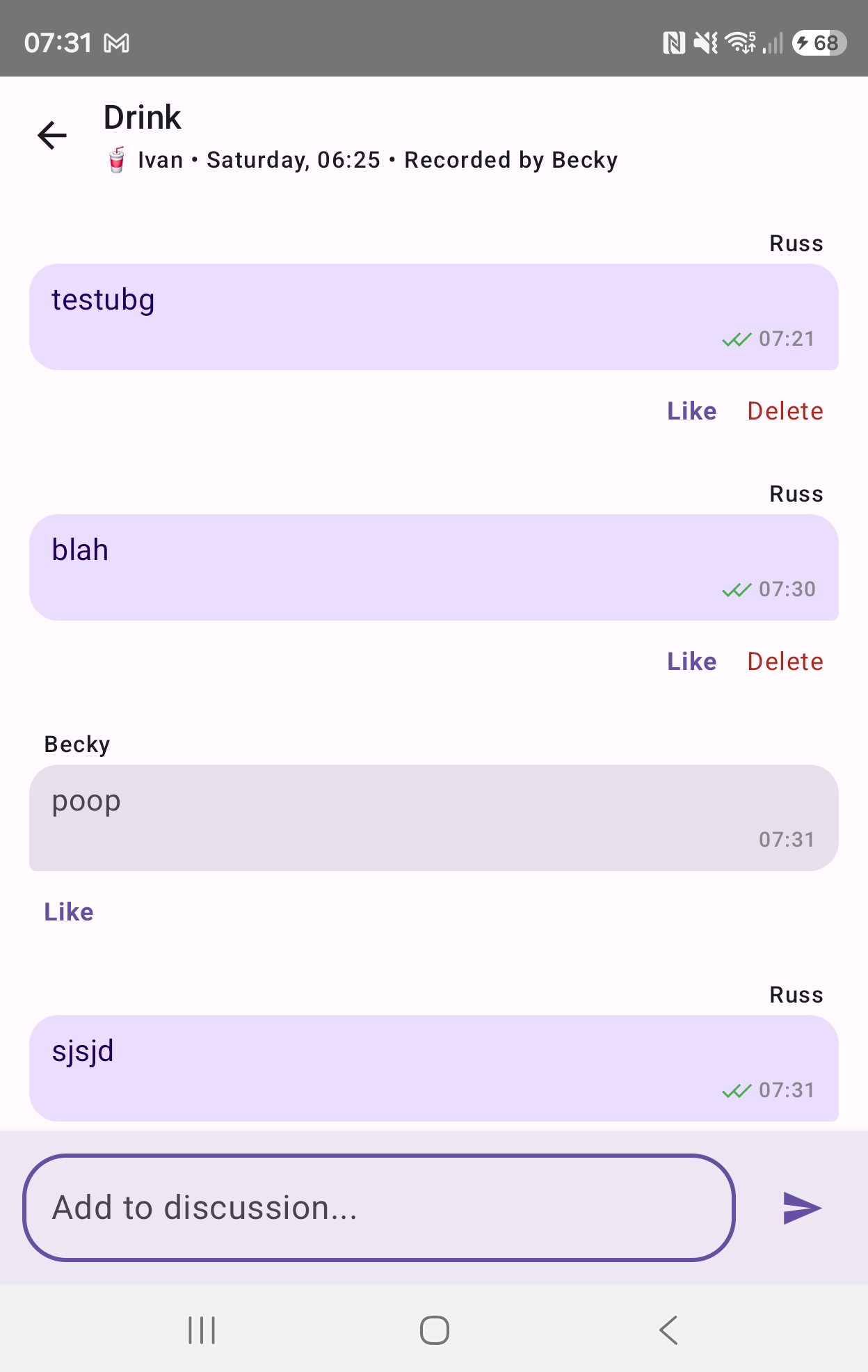
Real-time chat built into every care record. Discuss specific events, coordinate next steps, and react with quick replies directly from notifications.
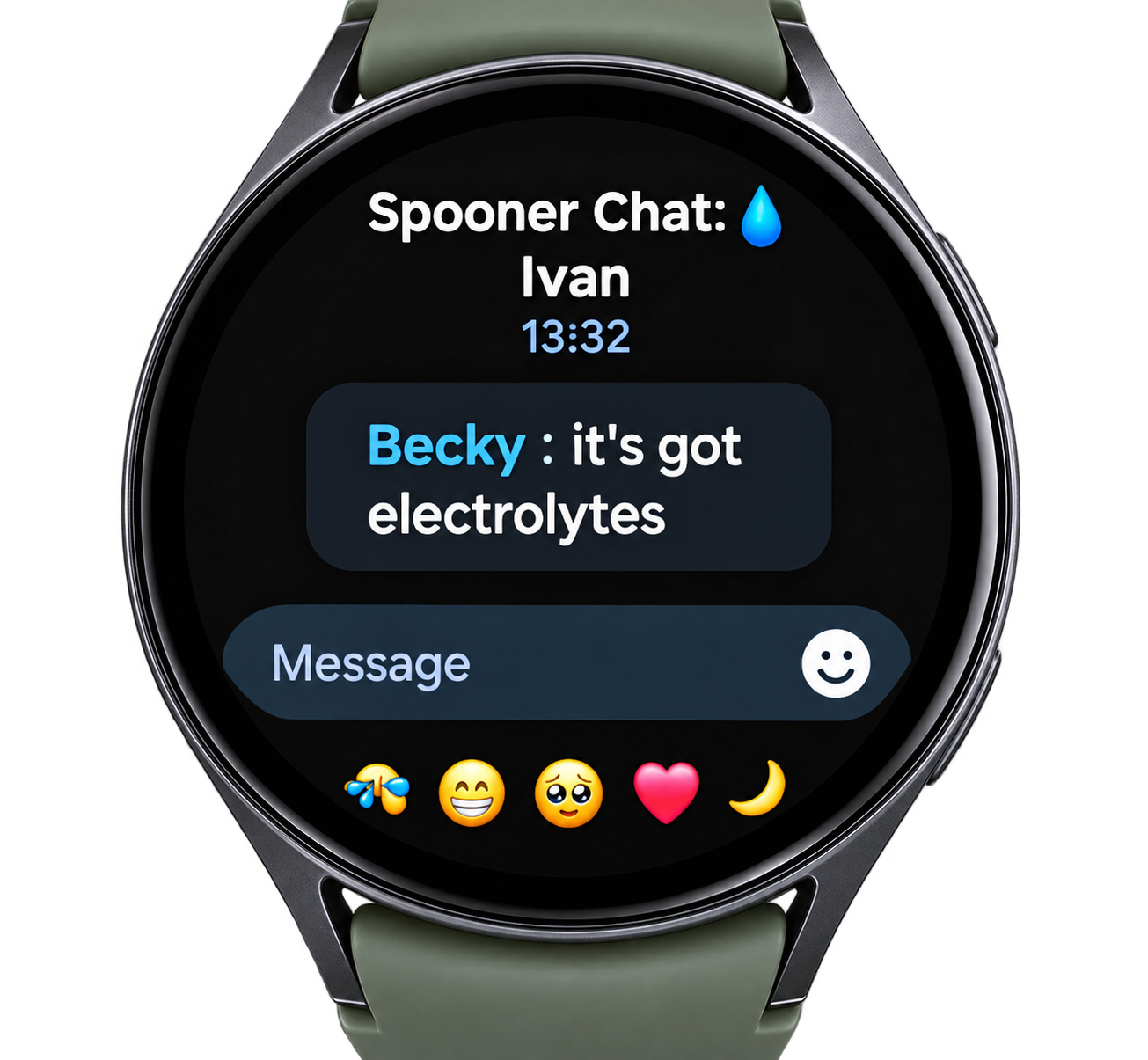
Stay connected from your wrist. Reply to care conversations or like recorded actions directly via notifications, keeping the circle moving without reaching for your phone.
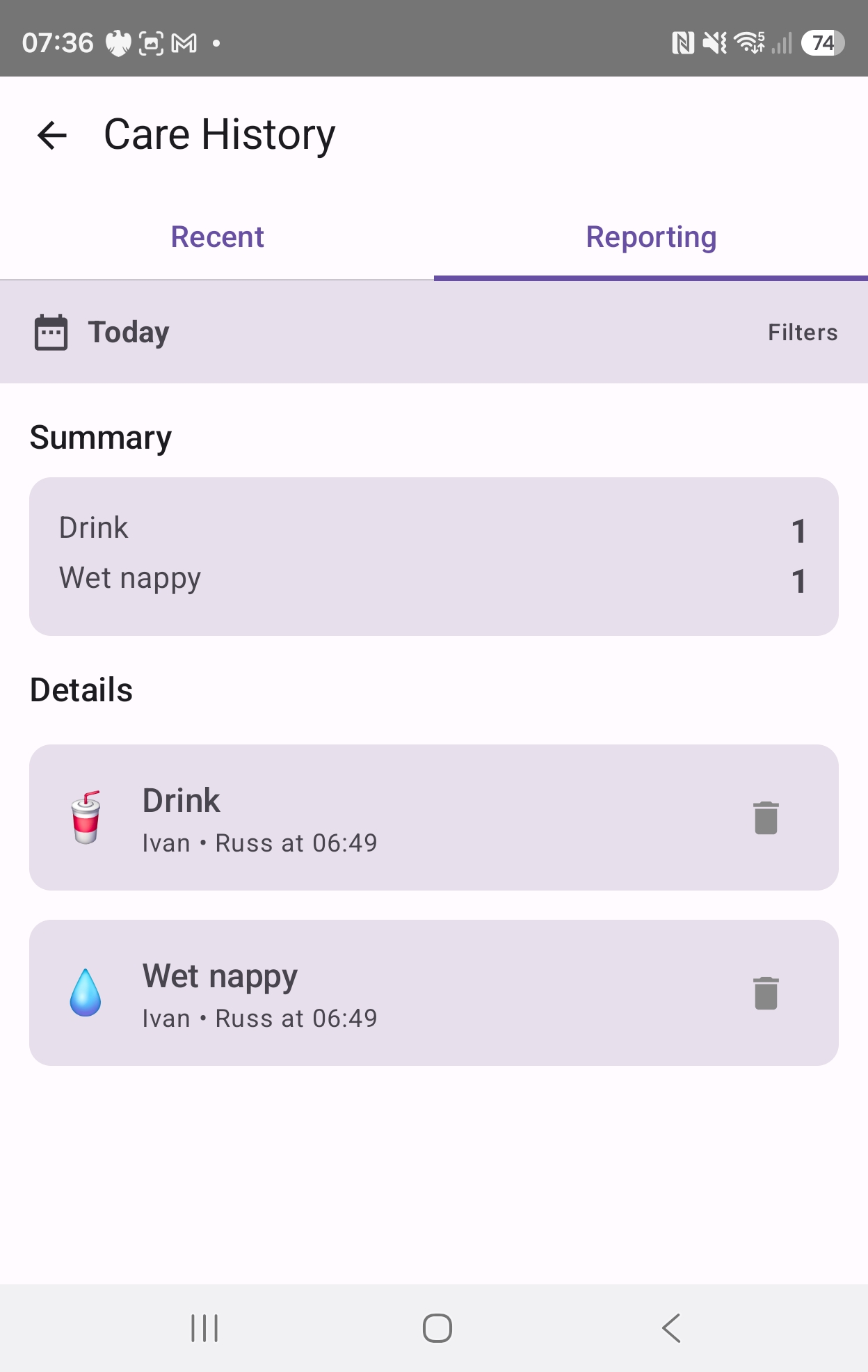
Our reporting suite provides "All Time" visibility on your mobile device. Filter by date, specific recipient, or recorder to spot trends and ensure continuity of care.
Every care event can be a conversation. Coordinate with family members in real-time with built-in multi-user chat, read receipts, and reactions. No more separate groups or lost messages.
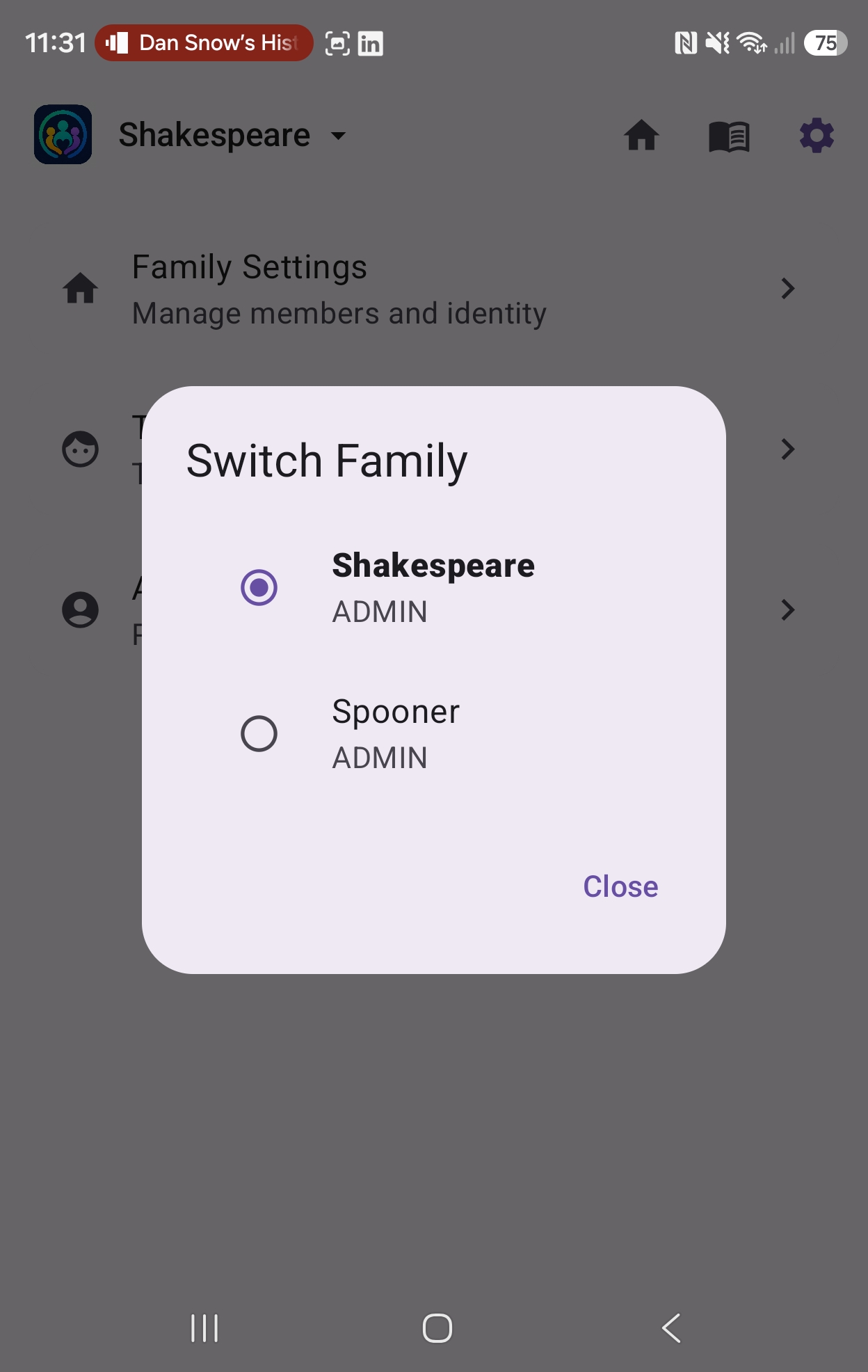
Whether you're coordinating care for your own children, helping with aging parents, or managing a pet-sitting circle, WhoDidWhat now supports multiple family contexts. Switch between different care groups instantly from a single profile.
Stay connected even when your hands are full. Reply to care conversations or "like" recorded actions directly from your smartwatch. Seamless integration with system notifications ensures you're always part of the circle.
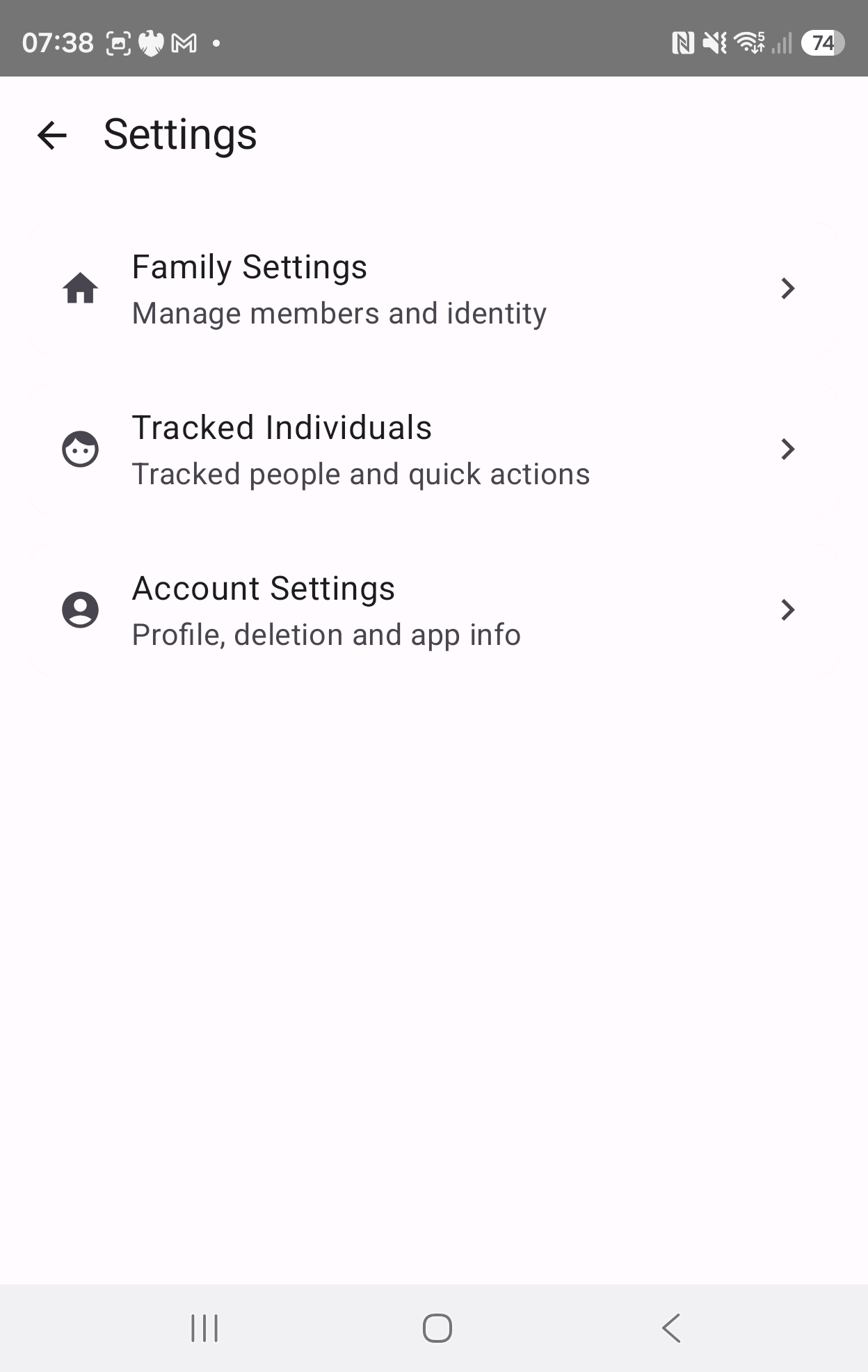
Invite family members via email or one-click invite code. Manage multiple care recipients from a unified dashboard. Built-in real-time chat, instant updates, and smart notifications ensure everyone stays in sync — whether on a desktop browser, an iPhone home screen, or an Android phone.
✨ Have an invite code? Open the Web App to join your circle in seconds with no install required.